
NGINX Ingress Controller turns Kubernetes resources into NGINX configuration. Many of those inputs are free-form text: snippet annotations on Ingresses, snippets on VirtualServers, and in the global ConfigMap. A typo in any of them can produce configuration that NGINX refuses to load.
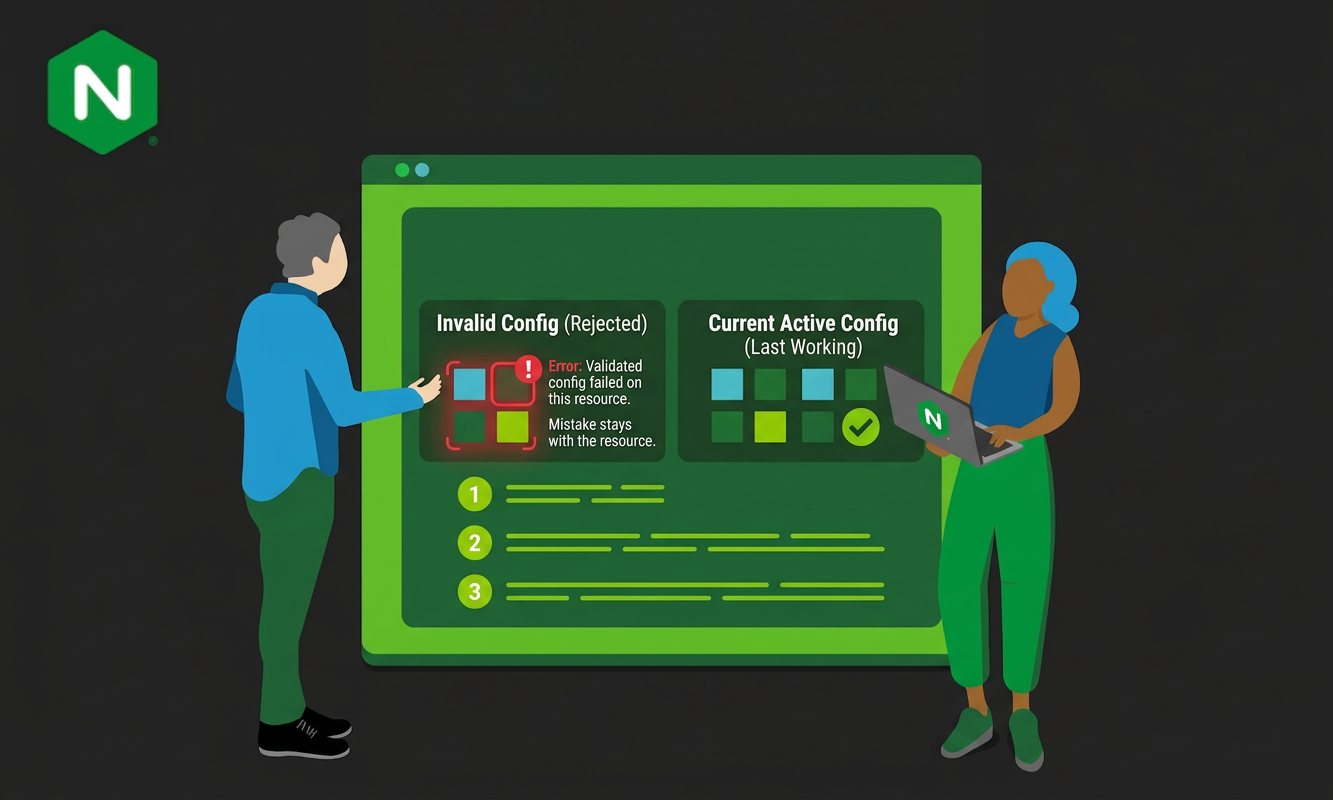
Config safety makes sure such a mistake stays with the resource that introduced it. Configuration generated from your resources is checked before NGINX reloads it. Invalid configuration is rejected, NGINX keeps serving the last working configuration, and the error is reported on the resource that caused it. This post explains what config safety does and how it works.
The Problem Config Safety Solves
Without config safety, the controller writes the generated file and asks NGINX to reload. NGINX rejects the new configuration and keeps serving the old one, but the broken file stays on disk. Every later reload, including reloads for completely unrelated resources, fails too until someone finds and fixes the offending resource. One mistake blocks everyone’s changes.
How Config Safety Works
Config safety relies on nginx -t, NGINX’s built-in configuration check. The check parses the entire NGINX configuration, not just the file that changed. The controller uses it in two ways, depending on whether the pod is already running or just starting up.
Checking Every Change
Once the pod is running, changes arrive one at a time. For each change, the controller keeps a copy of the working configuration file, writes the new version, and runs nginx -t. If the check fails, it restores the previous version (or removes the file if the resource is new), NGINX carries on serving, and the error is reported on the resource that caused it. Changes to the main NGINX configuration from the ConfigMap are checked and rolled back the same way.
Stopping Early When a Shared Input Breaks
Some inputs are shared by many resources. When one of them changes, such as the ConfigMap, the controller regenerates the configuration for every resource. An invalid location-snippets value, for example, is rendered into the configuration of every Ingress and VirtualServer, so each of them fails its check. Rejecting, rolling back, and reloading once per resource would cause minutes of churn in a large cluster and leave error events on resources nobody touched.
Instead, when two resources in a row fail during this regeneration, the controller concludes that the shared input is at fault. A single failure could be the resource’s own fault, but two in a row point to the shared input. The controller stops and skips the remaining resources and the final reload, so every resource keeps its last working configuration:
Shared-input failure detected: 2 consecutive resource configs failed validation. Likely cause is a bad ConfigMap snippet (e.g., server-snippets). Skipping remaining 2 resource(s) and final reload, NGINX continues serving previous-good config.
The ConfigMap also receives a Warning event, pointing at the real cause.
Checking Everything Once at Startup
A starting pod receives no traffic until it is Ready, so there is no need to check after every file. The controller writes the configuration for every resource first, runs a single nginx -t across the complete configuration, and then reloads NGINX. One check instead of one per file keeps startup fast, even with hundreds of resources. Files whose content has not changed are not rewritten.
Finding the Bad Configuration
If the startup check fails, the controller works out which resources are responsible, starting with the cheapest method:
- Read the error.
nginx -talmost always names the file and line that failed:nginx: [emerg] "server" directive is not allowed here in /etc/nginx/conf.d/default-cafe-ingress.conf:35The controller maps the file back to the resource that generated it, excludes that resource, and checks again. - Binary search when the error is not specific. If the error does not name a file the controller wrote, it runs a binary search over the candidate files. It switches off half of them, by renaming them so that NGINX’s
includepattern skips them, and checks the rest. If the check still fails, the bad file is in the half that is still active; if it passes, the bad file is in the half that was switched off. Each round halves the number of suspects, so finding one bad file among 500 takes about nine checks. Files outside the half being examined stay switched off throughout, so a second bad file elsewhere cannot mislead the search. - Fall back safely. If neither method finds the problem, the controller removes the files it generated, confirms that the base configuration is valid on its own, and re-applies each resource one at a time. If the base configuration itself fails the check, the controller reports the main configuration as the cause instead of blaming every resource.
What Resource Owners See
An excluded resource is not loaded into NGINX. It receives a Warning event (AddedOrUpdatedWithError) containing the actual NGINX error, and custom resources such as VirtualServers report an Invalid status. The controller also logs a single summary listing every exclusion. All other resources load and serve traffic normally.
Ready Only When There Is Something to Serve
Consider an invalid value in a shared input, such as server-snippets in the global ConfigMap. It is rendered into the configuration of every Ingress and VirtualServer, so each of them fails validation and is excluded. If those are the only resources the controller manages, NGINX is running, but the pod serves none of your routes.
If that pod reported Ready, Kubernetes would treat it as available. A rolling update would carry on replacing working replicas with pods that serve nothing, causing a complete outage that looks like a successful rollout. During scale-out, the pod would start receiving a share of traffic it cannot serve.
If every resource is excluded at startup, the pod stays Not Ready. Kubernetes does not count it as available, so the rolling update stalls instead of completing, the remaining replicas keep serving traffic, and the log explains why:
Config safety: ALL 4 resource(s) excluded at startup and pod NOT marked ready (shared-input failure suspected). Fix the shared input (e.g., ConfigMap server-snippets) and the pod will become Ready automatically once the next successful reconcile applies a clean config.
NAME                                        READY   STATUS    RESTARTS   AGE
nginx-ingress-controller-6898d8bcbd-mfngk   1/1     Running   0          2m3s
nginx-ingress-controller-6898d8bcbd-mrsg6   0/1     Running   0          11s
The pod is held only when every resource is excluded. If some resources load successfully, for example TransportServers, which HTTP snippets do not affect, the pod becomes Ready and serves them, because serving the valid resources is better than serving none.
Recovering Without a Restart
A pod held back this way is not stuck. As soon as the shared input is fixed, for example by correcting the ConfigMap, the next reconcile that produces a clean configuration marks the pod Ready:
Config safety: shared input fixed; pod now Ready (recovered from startup exclusion)
No manual pod restart is needed, and the paused rollout continues on its own.
The Startup Flow at a Glance
flowchart TD
    A[Generate configuration for all resources] --> B{One nginx -t across<br/>the full configuration}
    B -->|Passes| R[Reload NGINX]
    B -->|Fails| C{Does the error<br/>name a file?}
    C -->|Yes| X[Exclude that resource]
    C -->|No| S[Binary search<br/>the candidate files]
    S --> X
    X --> B
    R --> G{Were all resources<br/>excluded?}
    G -->|No| Ready[Pod Ready]
    G -->|Yes| Hold[Pod held Not Ready]
    Hold -.->|Shared input fixed| Ready
Good to Know
- Config safety is opt-in and disabled by default.
- Stopping after two failures in a row is a heuristic that only runs while the controller regenerates every resource after a shared input changes, and the count starts from zero each time. Updates to individual resources, such as two broken VirtualServer updates in succession, never go through that regeneration: each one is checked and rejected on its own and cannot trigger an early stop.
- A ConfigMap value that makes the main NGINX configuration invalid stops NGINX from starting on a brand-new pod, because there is no earlier working configuration to fall back to.
Enabling Config Safety
Set the -enable-config-safety command-line argument, or use the Helm value:
controller:
  enableConfigSafety: true
Takeaway
With config safety enabled:
- A resource with invalid configuration is rejected and the error is reported on that resource, while everything else keeps working.
- At startup, the whole configuration is checked once, and only the resources that fail are excluded, found by reading the error or, when that is not enough, by binary search.
- On a running pod, a broken shared input is caught after two failures instead of one failure per resource.
- A pod does not report Ready while every resource is excluded, and recovers on its own once the problem is fixed.
We would love to hear how config safety works in your clusters. If you have any ideas on how it could be improved, please reach out to us on GitHub.